Smart Yacht Automation: CZone and Digital Switching Systems
Digital switching systems, where dozens of switches are replaced by a few touchscreens, are transforming the yacht electrical panel. We explain how it works and what to watch for.
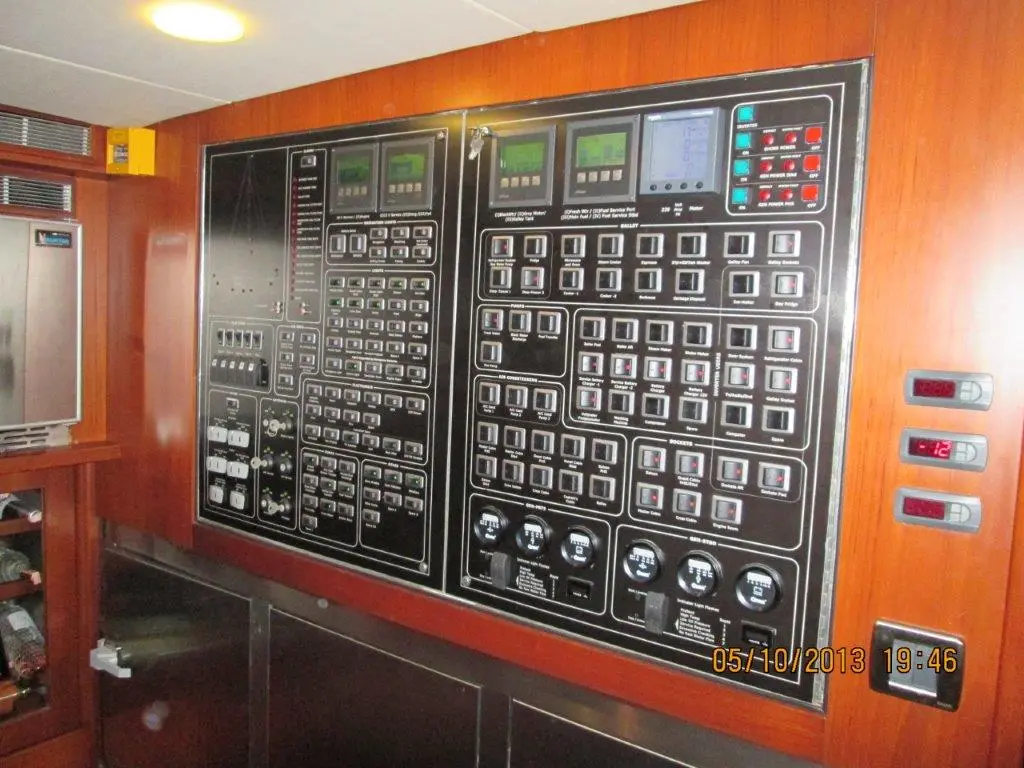
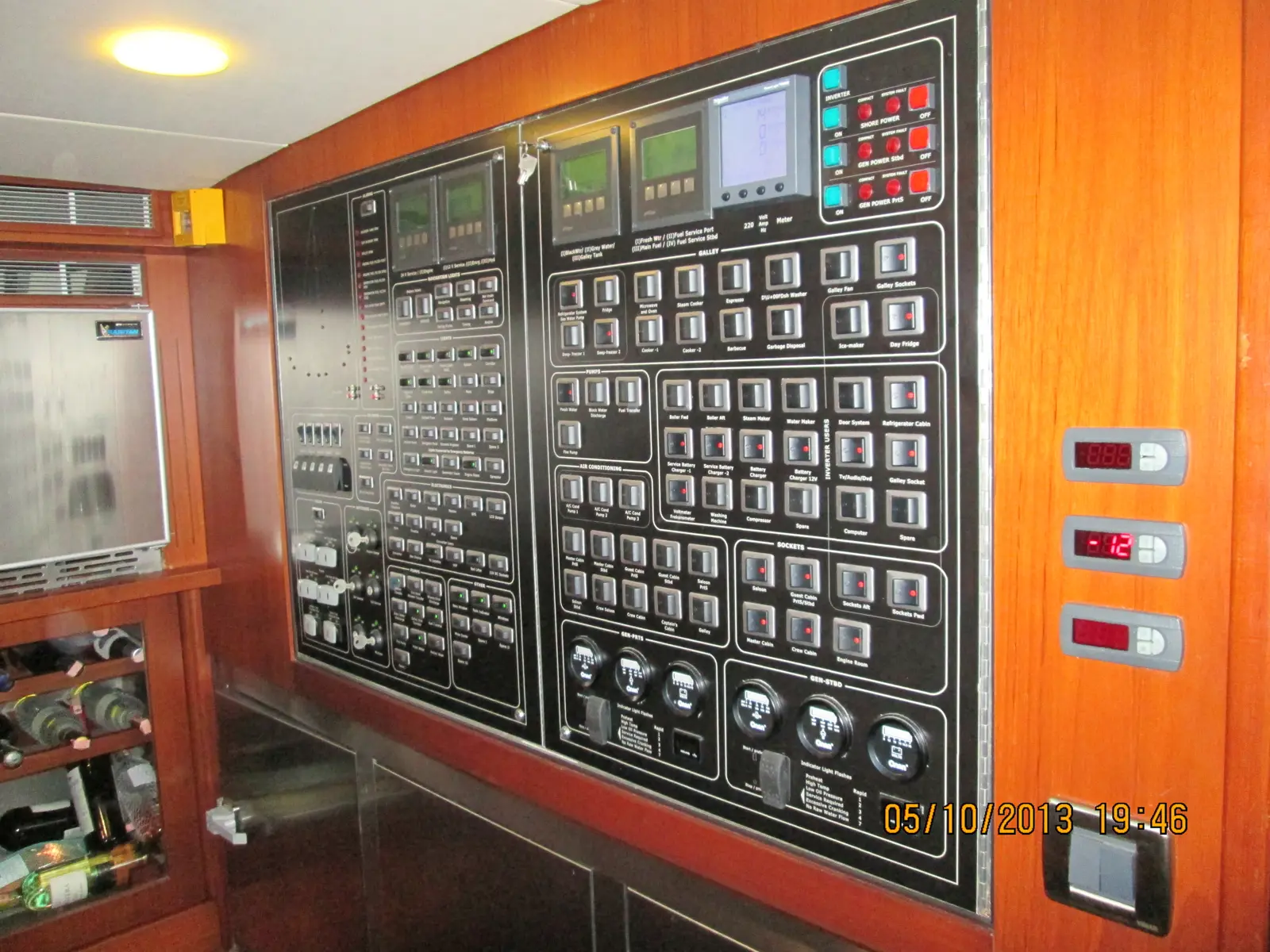
On a classic yacht panel, every light, pump and device has its own switch and label; as the boat grows, so does the panel — bigger, more complex, and harder to troubleshoot. Digital switching replaces most of these mechanical switches with network-controlled electronic modules, both simplifying the panel and enabling automation. In this article, using CZone as an example, we explain how the system works and what to consider during installation.
How does digital switching work?
In a classic system, every load (light, pump, winch) is wired directly to a switch and a fuse. In digital switching, loads instead connect to small output modules distributed around the boat; these modules communicate over the NMEA 2000 network with a central control unit (touchscreen, chartplotter or panel). When a user switches on a light, the command travels over the network to the relevant module, which then switches the load.
In systems such as CZone, the current limit for each output is set in software, providing electronic overcurrent protection that partly takes over the classic fuse's role. Because each output's real-time current draw is also visible on screen, it's much easier to notice a circuit pulling more than it should.
The system generally has two layers: the output modules physically connected to the loads (usually placed near the engine room or the load groups themselves), and the interface layer the user interacts with (a touchscreen, a chartplotter add-on, or a mobile app). Since all communication between the two layers runs over the network, the modules keep their last configured state even if the interface is swapped or a screen fails — a meaningful reliability advantage over classic systems.
Classic panel vs digital switching, compared
| Feature | Classic switch panel | Digital switching |
|---|---|---|
| Cable volume | A separate long run for each load | Short cable from a nearby module, controlled over the network |
| Fault-finding | One by one, visually or with a multimeter | Real-time current and status on screen |
| Scenarios/automation | Limited (physical switches only) | Predefined scenes like "night watch mode", "guest mode" |
| Expansion | New switch and new cable run for each load | Adding a new module to the network may be enough |
| Complexity | Mechanical, easy to understand | Requires software and network knowledge |
What to watch for during installation
Installing digital switching calls for different planning than a classic panel refit:
- Network topology: All devices, including CZone modules, must sit on the NMEA 2000 backbone with correct terminating resistors (120 Ω) and proper drop cable lengths; network faults affect the whole system's stability.
- Redundancy for critical loads: For safety-critical circuits such as navigation lights, the bilge pump and alarm systems, it's advisable to keep a manual switch or a direct fuse connection rather than relying fully on a digital module.
- Software settings and backups: Module configuration (naming, current limits, scenes) is done through software; keeping a saved copy of these settings enables a fast restore after a fault.
- Energy-monitoring integration: When digital switching is combined with battery and charging data, remote monitoring capability strengthens too; see our remote monitoring article for details.
- Labelling and documentation: With fewer physical switches, panel labelling shifts partly to software; still, physically labelling module boxes and cable bundles as well can save whoever does maintenance later a lot of time.
- Voltage drop and cable sizing: Wiring up to the module input is subject to the same electrical rules as a classic system; while short output runs near the module are an advantage, cable sizing and voltage-drop calculation on the main feed line still must not be neglected.
Simplified wiring also saves boat weight and installation time — a difference that's especially noticeable on large boats where long cable runs would otherwise stretch from the engine room to the bow. On the other hand, the modules themselves and the network infrastructure add cost and complexity, so fitting a full digital switching system just for a few circulation pumps and interior lights on a small sailboat may often not make economic sense.
Typical installation steps
- Inventory the existing panel and loads (load, current, location).
- Plan module placement by engine room and load groups.
- Run and test the NMEA 2000 network according to backbone rules.
- Program the modules: naming, current limits, scenes.
- Test manual backup switches on critical circuits.
- Verify the system under load, across different scenarios (night watch, harbour, guest).
Automation scenarios and the real payoff
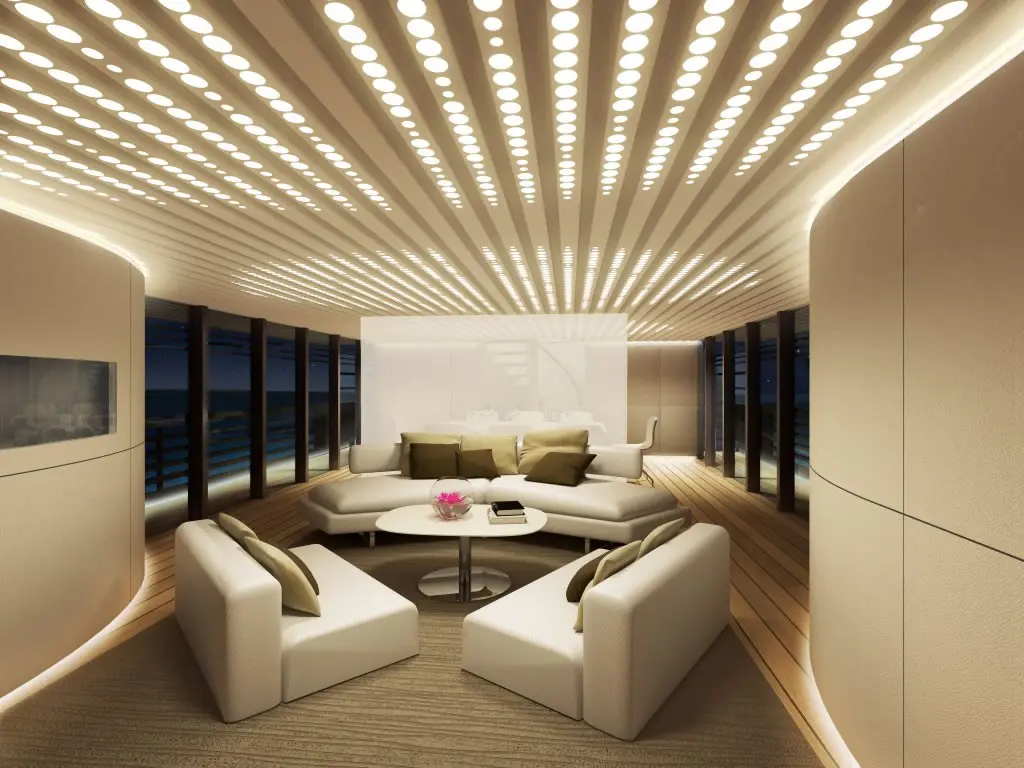
The real value of digital switching isn't just cable savings, it's scenario-based operation. A "night watch" scene, for instance, can dim interior lighting, set navigation lights to the correct mode and switch off unnecessary loads with one touch. A "guest mode" can set deck lighting and the sound system to a defined profile. When these scenarios are planned alongside systems like interior LED lighting, comfort and energy efficiency improve at the same time.
Another benefit of automation is saving time during troubleshooting: when a circuit starts drawing more current than expected, the system can raise an alert, so the problem can be caught before it grows.
Should digital switching sit alongside a classic system?
The most successful installations we see in the field treat digital switching not as something that "replaces everything", but as a smart layer added on top of classic electrical infrastructure. Main power distribution, fuse coordination and critical safety circuits are still built with classic, proven methods; digital switching then takes over comfort loads, lighting scenes and monitoring functions. This approach lets you benefit from new technology's convenience while still preserving the boat's core functions if a software or network problem occurs.
On a new-build boat, this layered approach can be designed from scratch; on a refit project, deciding which part of the existing panel to move to digital requires more engineering. Here, the owner's priorities — comfort, ease of maintenance, or maximum automation — are the main factor that determines the system's scope.
Maintenance and long-term ownership
Digital switching systems, having fewer mechanical parts, are less exposed to physical wear than classic switches; but software updates, network health and module configuration still need to be reviewed periodically. When buying or selling a boat, handing over complete documentation of the installed digital switching system (configuration file, module list, network diagram) significantly eases future work. Without this documentation, working out the system's logic from scratch can take hours.
Digital switching installation with Aslan Yacht
From our Turgutreis workshop, we travel to marinas across the Bodrum peninsula to convert an existing panel to digital switching or to design a CZone-based system from scratch. For the right topology and scenario planning for your boat, take a look at our electronics and navigation services or get in touch with us.
Frequently asked questions
Can digital switching be retrofitted into an older boat?
Yes, but the existing wiring and fuse coordination need to be reviewed. Modules for the main loads are usually placed near the engine room or the panel, while control happens through a touchscreen or an existing MFD.
If the digital switching system fails, does the boat lose all power?
In a well-designed system, critical loads like navigation lights and the bilge pump keep a manual backup or a direct fuse connection; making every load fully dependent on one digital module isn't recommended.
Will CZone work together with a chartplotter from a different brand?
Because CZone runs over the NMEA 2000 network, it can integrate with any compliant chartplotter or MFD that supports the standard; the depth of integration varies by brand, so compatibility should be checked before installation.